
Shift handover is one of the highest-risk moments in hospital care. Everything the outgoing team knows about thirty patients - who is deteriorating, who must never receive penicillin, who is bedbound and needs repositioning every two hours, which tasks nobody managed to finish - has to travel to the incoming team in a few crowded minutes. Usually verbally. Usually incompletely. In this article we look at a board that replaces the handwritten shift sheet and the half-remembered briefing with one interactive screen that both shifts can stand in front of together.
Where the board lives
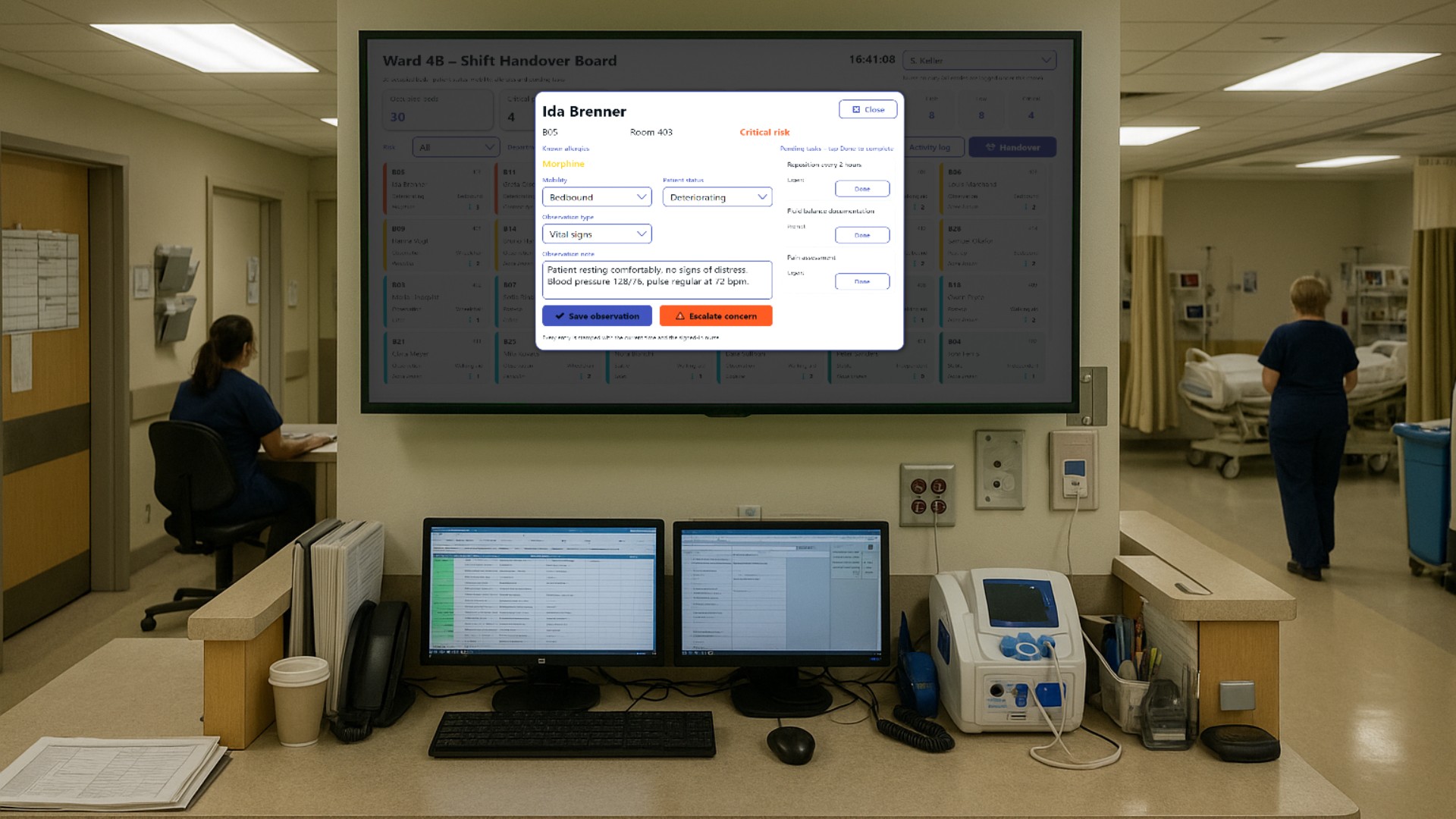
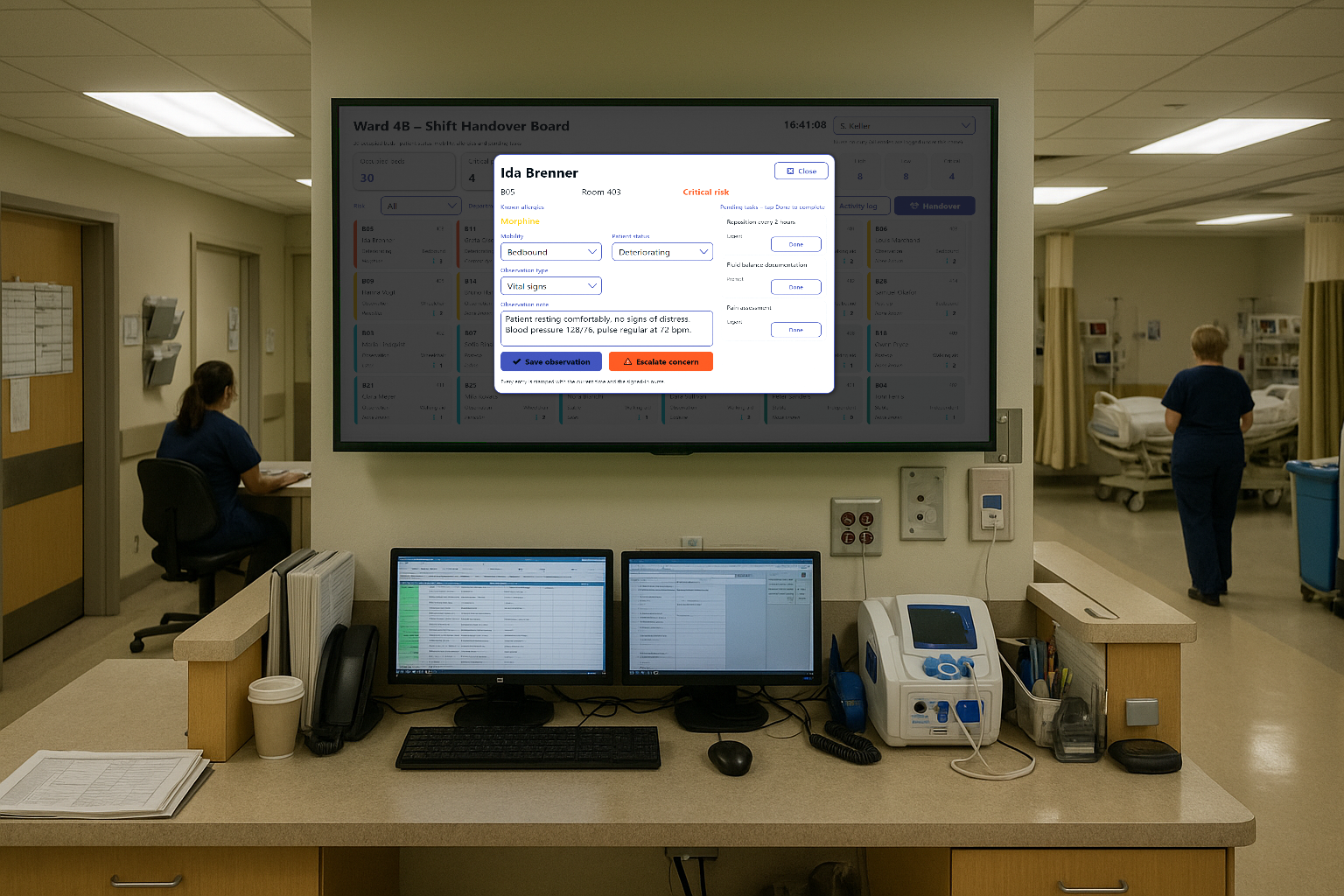
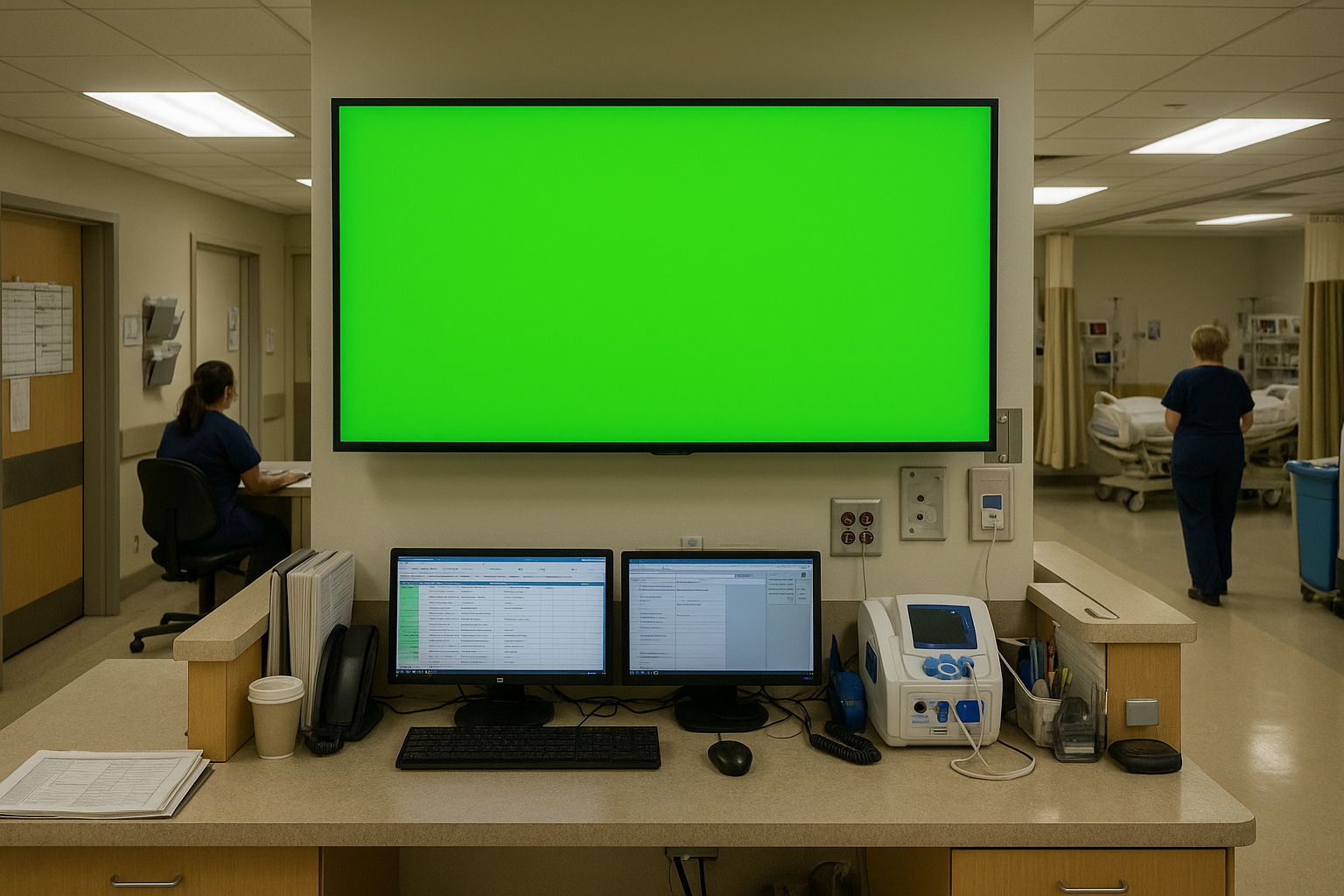
The screen is built for a large touch display in the nurses’ station of ward 4B, ideally right next to the medication room, because that is where the outgoing early shift and the incoming late shift naturally end up standing anyway. The same project also runs on a mobile cart that gets wheeled along the corridor during the walking round, so the handover can happen at the bedside instead of at a desk.
The people using it are registered nurses and nursing assistants, plus the ward sister who supervises the handover. Doctors are involved indirectly - they are the ones who receive the escalated concerns.
Thirty beds at a glance
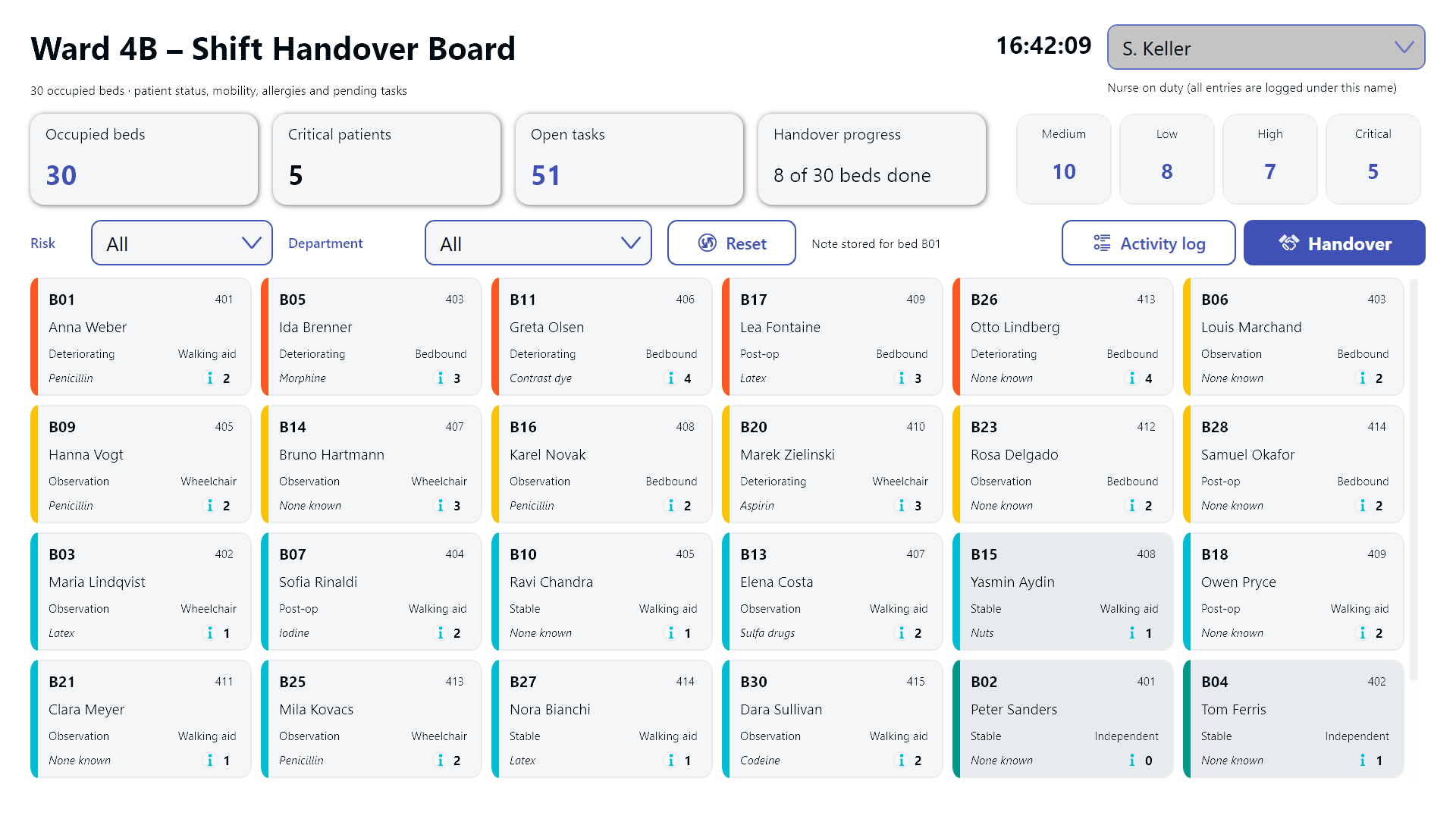
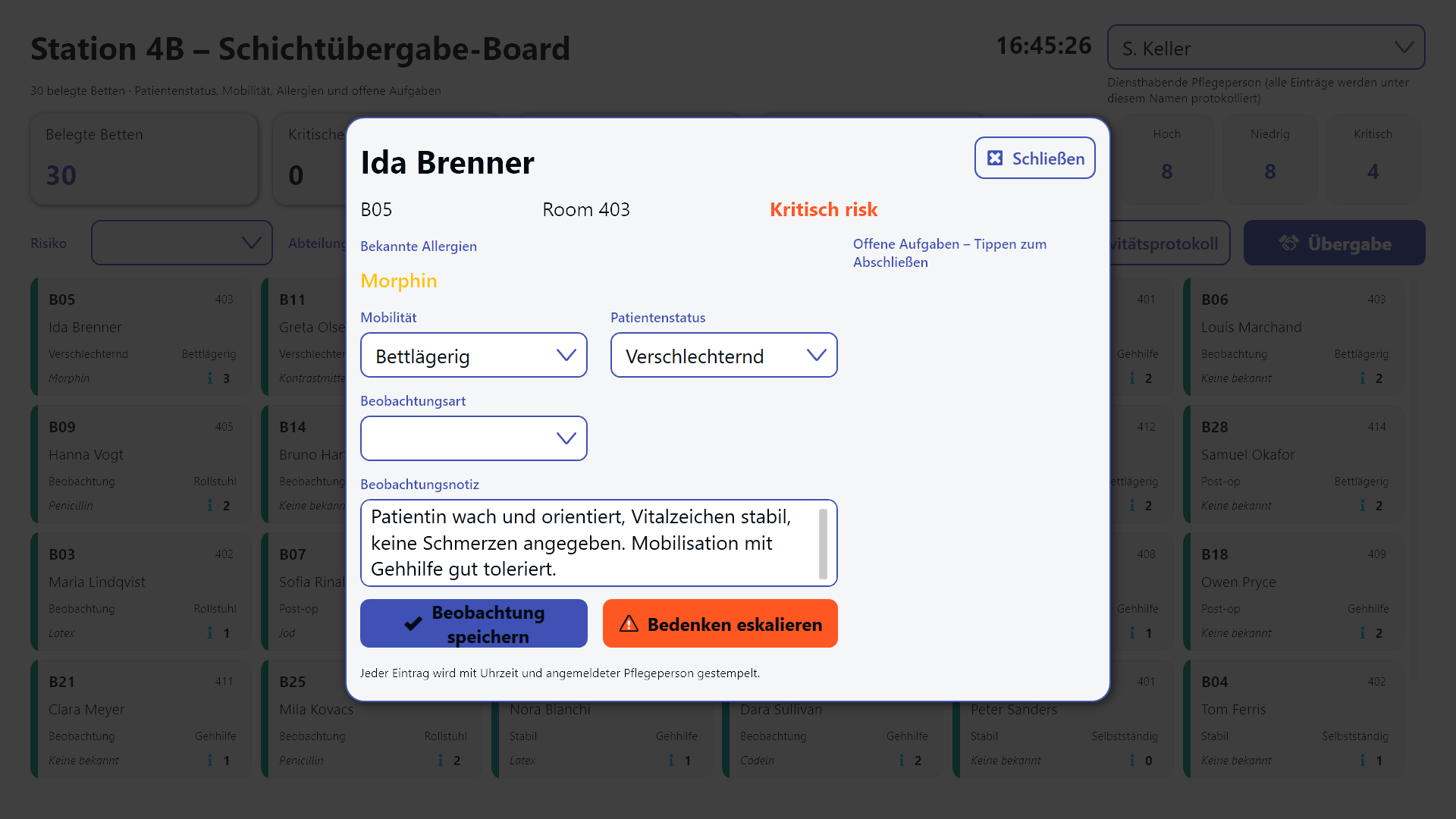
The main view shows every occupied bed as a compact card: bed number, room, patient name, current clinical status (stable, under observation, post-op, deteriorating, discharge planned), the mobility level (independent, walking aid, wheelchair, bedbound), the known allergies, and a counter of pending tasks.
A coloured stripe on the left edge encodes the risk level, so the ward reads itself from across the room: orange for critical, amber for high, cyan for medium, teal for low. Beds that have already been handed over fade into a grey card, which means the team instantly sees what is still outstanding rather than having to ask.
Above the grid, four KPI cards summarise the ward - occupied beds, critical patients, open tasks and handover progress - and a row of chips shows how many beds sit in each risk band. Filters for risk level and department narrow the grid down when the ward sister only wants to look at, say, the critical cases in cardiology.
Who wrote this, and when
A nurse signs in by picking her name from a dropdown in the top right. From that moment on, every entry she makes is stamped with her name and the current time. That gives the ward a defensible audit trail as a by-product of normal work, without a single extra form to fill in - which is exactly the kind of documentation that tends to get skipped when it is a separate task.
Opening a bed
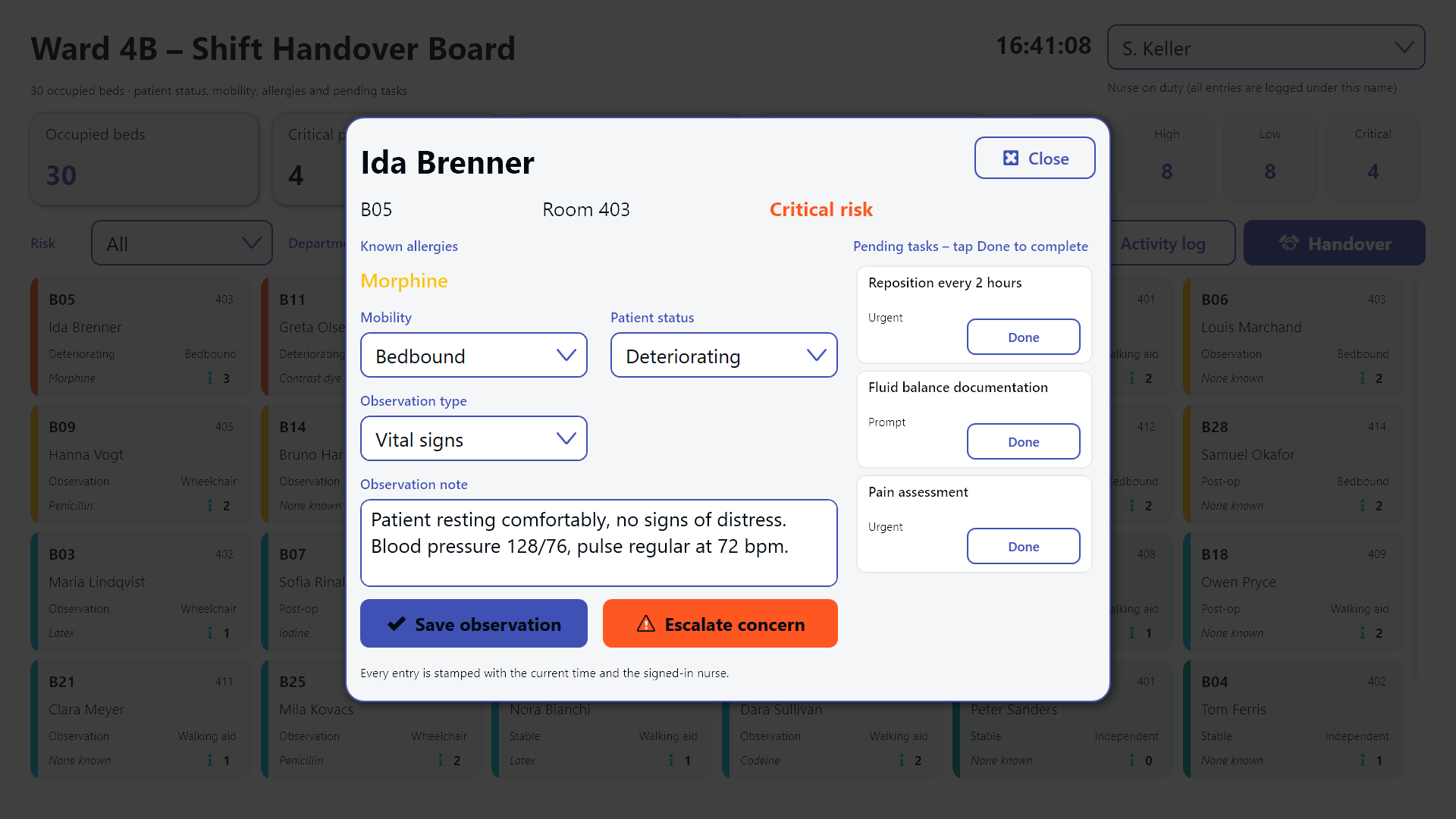
Tapping a bed card opens a detail dialog over the board. The nurse can adjust the patient’s mobility and clinical status through dropdowns, type a free-text observation, classify it (vital signs, pain, wound care, nutrition, behaviour, mobility) and save it into the shift log.
The right-hand side of the dialog lists that bed’s open tasks - reposition every 2 hours, wound dressing change, continuous ECG monitoring - each with a priority and a Done button that removes the task and decrements the bed’s counter on the card behind the dialog.
If something worries her, a red Escalate concern button opens a second dialog: she describes the problem, picks an urgency between routine and emergency, and raises an alert to the medical team. A worry that would otherwise have been “I’ll mention it to the doctor if I see him” becomes a tracked item with a timestamp and a name attached.
The handover itself
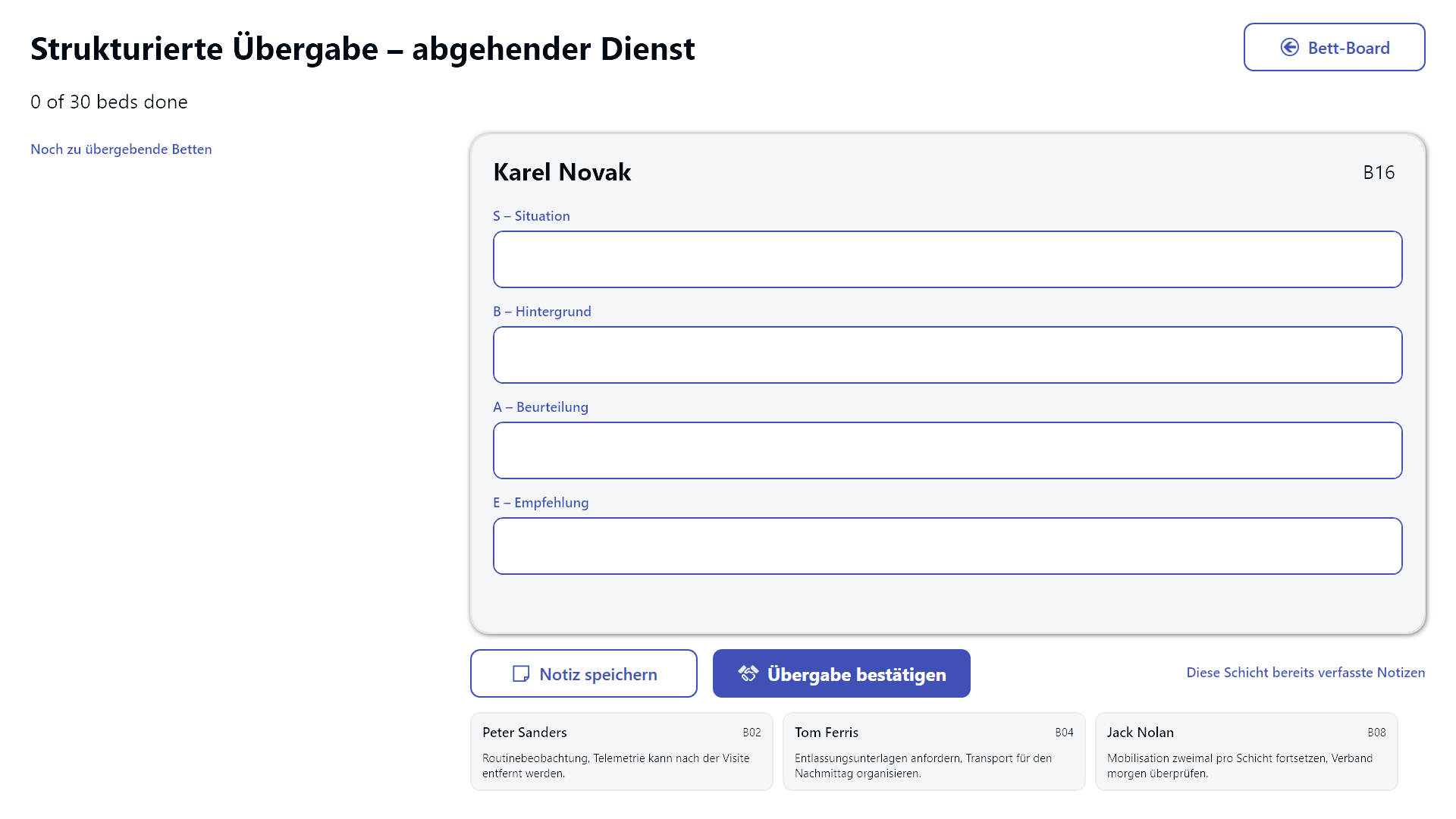
The handover has its own screen. The outgoing shift works through a queue of beds that have not yet been handed over, highest risk first - so if the handover gets cut short by an emergency, the patients who matter most have already been covered.
For each bed a structured SBAR form is filled in: Situation, Background, Assessment, Recommendation. The note is saved and then confirmed through a deliberate confirmation dialog, at which point the bed disappears from the queue, its card greys out on the board and the handover progress KPI ticks up. A strip along the bottom shows the notes already composed during this shift, so the incoming team can read them back rather than trusting their memory of what was just said.
Closing the loop
A third screen is the shift activity log: two parallel columns, all observations on the left and all escalated concerns on the right. Each concern carries a Resolve button, so the ward sister can close the loop once a doctor has actually responded. Concerns that stay open stay visible - which is the whole point.
Touch, swipe, scan
Beyond touch, the board answers to a barcode scanner. Scanning a wristband or a bed label such as B17 jumps straight into that bed’s dialog, so a nurse standing at the bedside with a handheld scanner does not have to hunt for the right card in a grid of thirty. Swipe gestures move between the three screens for anyone using the board as a touch wall.
The German language variant of the board works identically - the same grid, dialogs and SBAR form with localised labels:
Result
What used to be a verbal briefing whose quality depended on how tired the outgoing nurse was becomes a visible, structured, timestamped process. The incoming shift can see at a glance which beds are critical, which tasks are still open and what the outgoing team observed - and the ward sister can tell, at any point during the handover, how far along it is. The information that gets lost in the corridor is exactly the information that causes incidents later, and this board is designed to stop it from getting lost.