
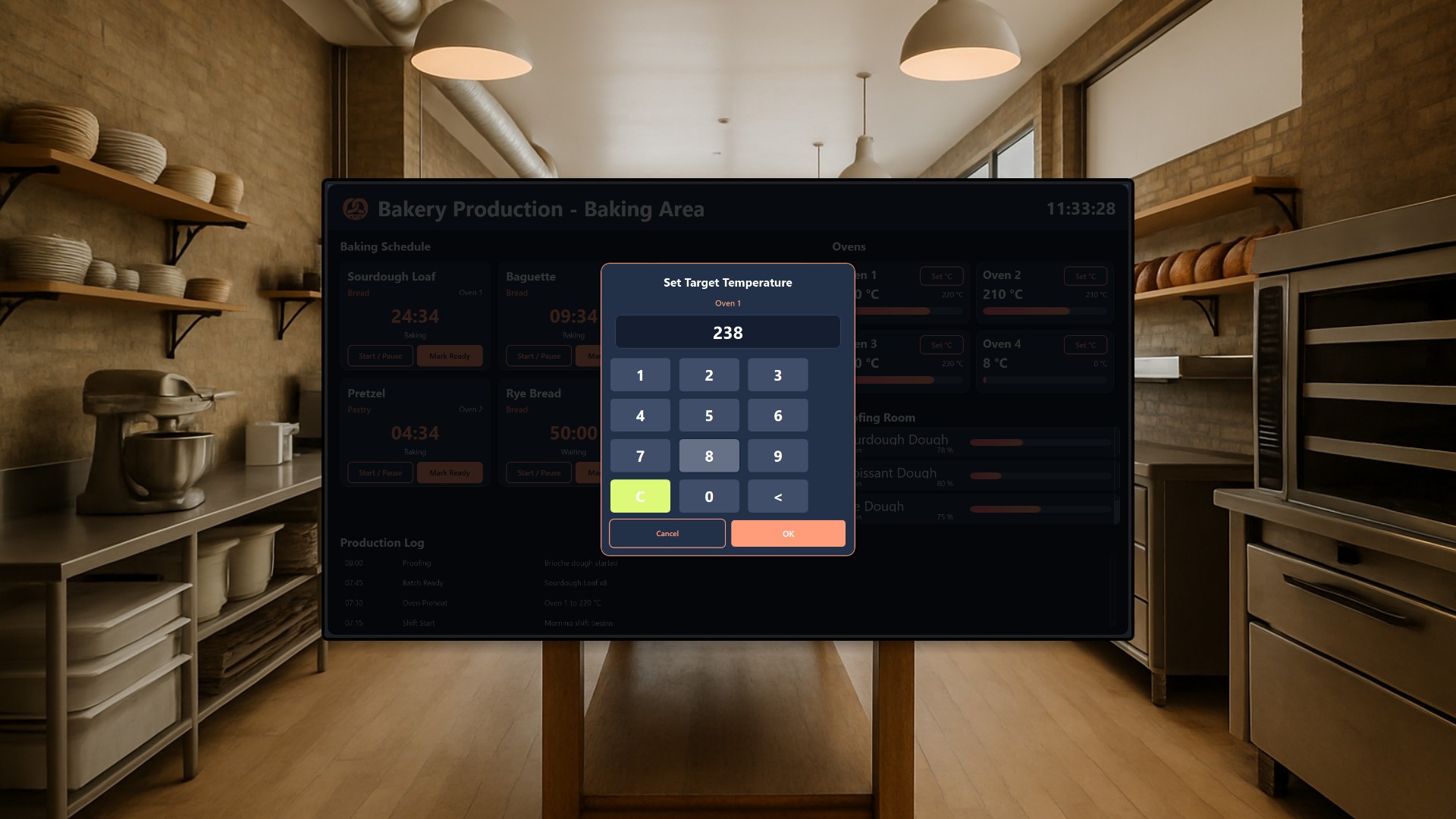
A craft bakery lives on timing. Dough proofs on its own schedule, ovens run at different temperatures for different products, and out front, customers want to know one thing: what is fresh and available right now? In this article we look at a two-app Peakboard solution that connects the back-of-house baking area with the customer-facing sales floor, so the moment a baker marks a batch ready, the storefront menu board reflects the new stock without anyone touching it.
The scenario
The setup targets a small-to-medium artisan bakery. In the back, bakers juggle a full day of batches: sourdough loaves, croissants, pretzels, seasonal pastries, all with their own bake times and oven settings. Out front, staff traditionally update a chalkboard or flip paper “sold out” signs whenever something runs out, which happens late or not at all during the morning rush.
The solution is two separate Peakboard apps that share a single availability feed, the hub list ProductAvailability. Production writes to it, the storefront reads from it. That one shared list is the entire integration: no middleware, no manual updates, no walking to the front counter to change a sign.
The Production app
The Production app runs on a touchscreen mounted in the baking area and is a genuine working tool, not just a display. Bakers interact with it constantly throughout their shift.
The main view shows the live baking schedule. Every batch on the plan gets a countdown timer, so nobody has to remember whether the rye loaves went in at 6:10 or 6:20. Alongside the schedule, the screen shows real-time oven temperatures and the status of dough resting in the proofing room, giving the whole team a single view of where every product stands.
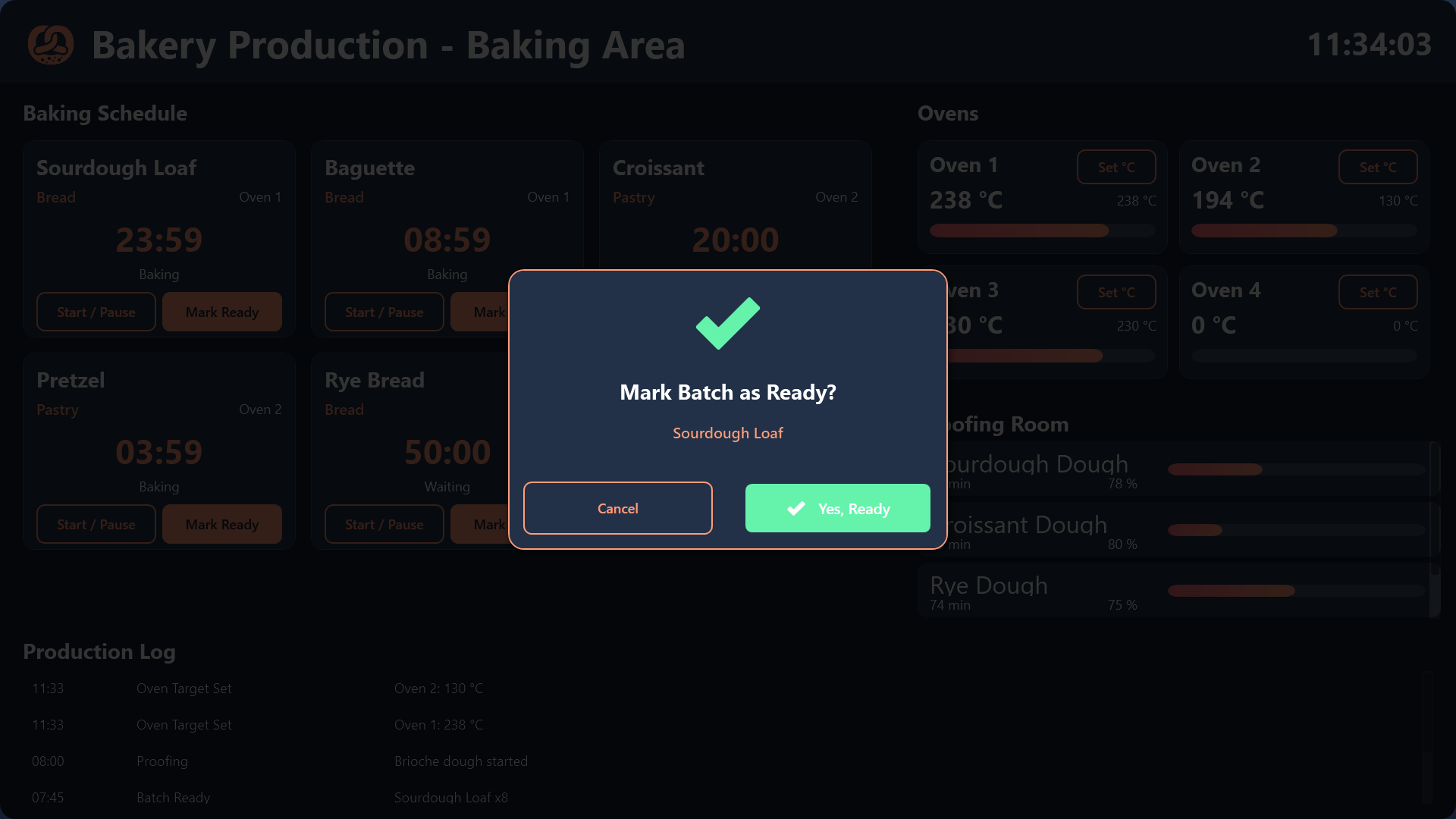
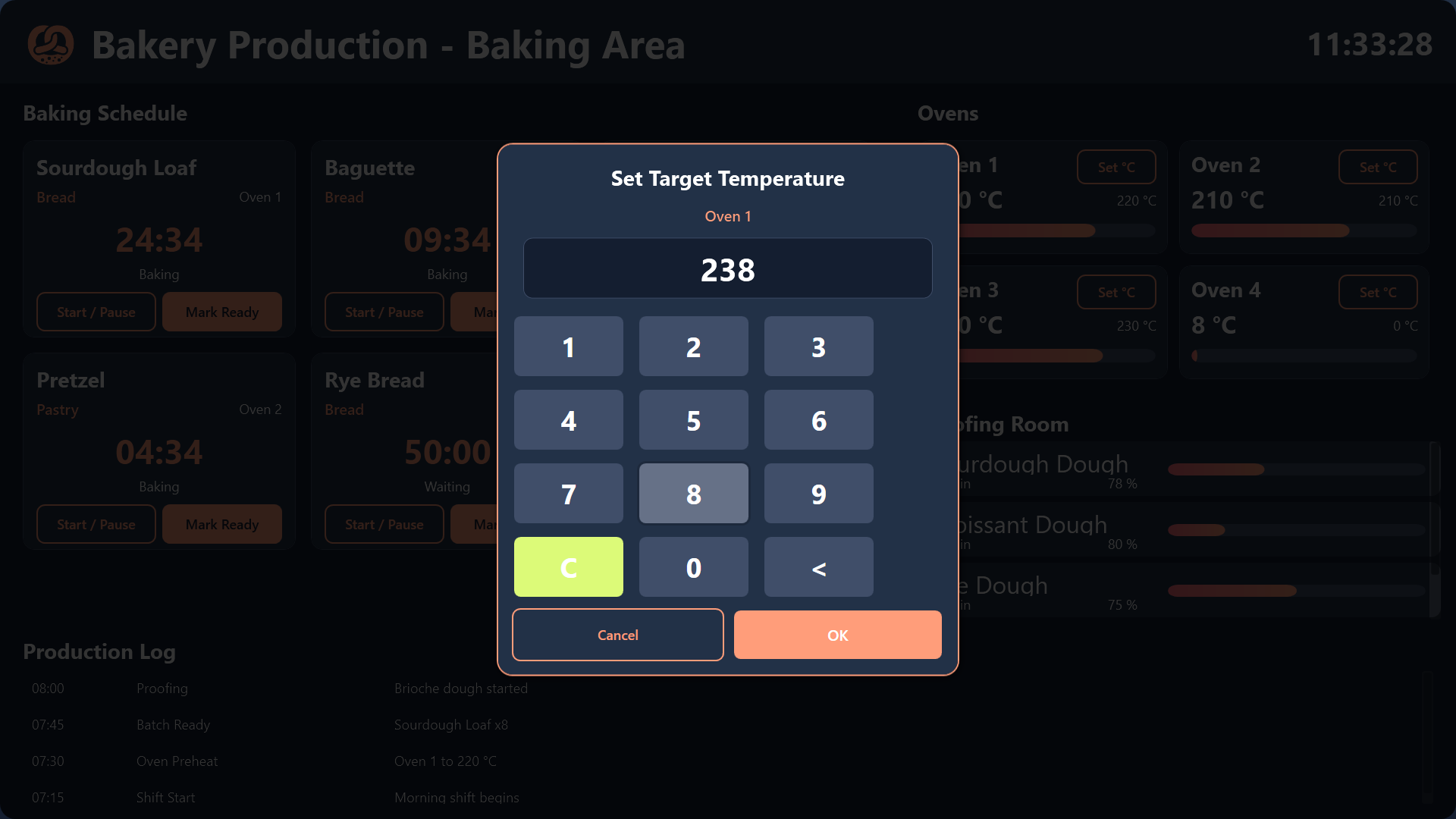
Interaction is deliberately simple for floury hands: bakers tap a batch to start or pause its timer, and adjust oven target temperatures through an on-screen keypad. When a batch comes out of the oven, one tap marks it ready, and that tap is what pushes the fresh stock to the sales floor via the shared availability list.
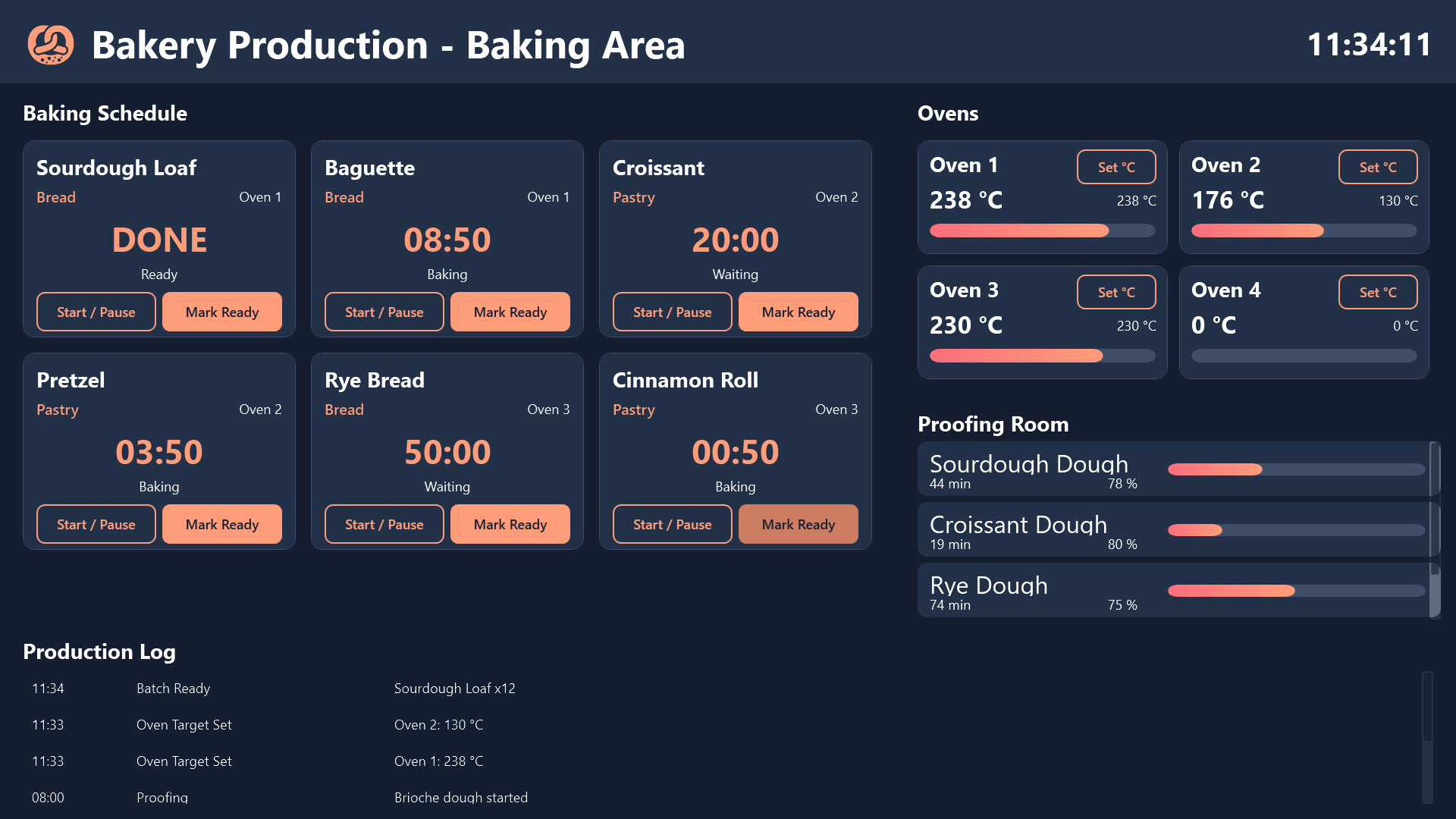
The screen also keeps a running production log. Everything that was started, finished, or adjusted lands there with a timestamp, so the team can see at a glance what happened during the shift and shift handovers do not depend on someone’s memory.
The Storefront app
The Storefront app is the customer-facing counterpart, designed as a menu board mounted above or beside the counter.
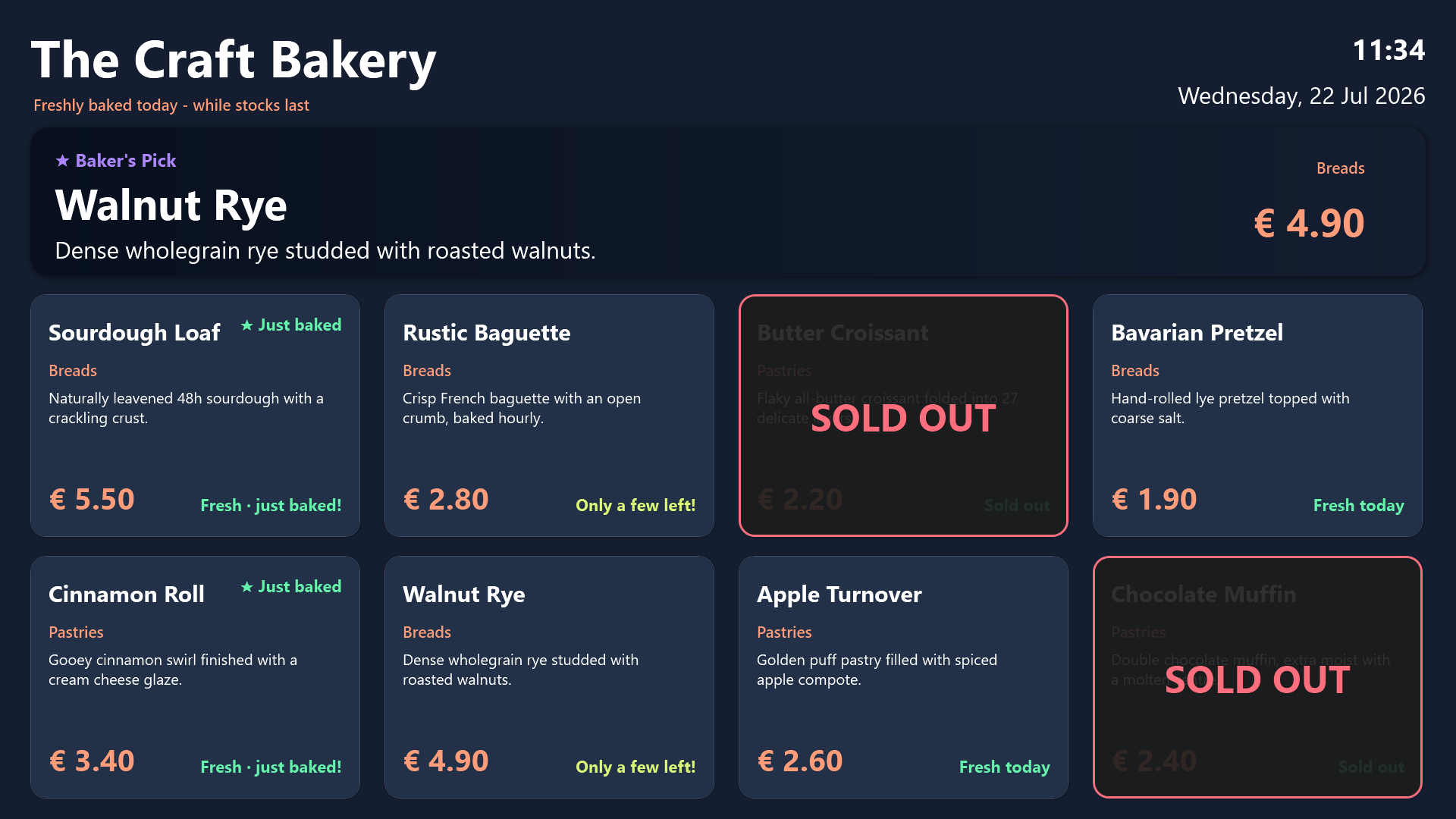
Today’s breads and pastries are presented in an attractive tile grid with descriptions, prices, and freshness indicators. The design does the selling: warm colors, clear typography, and honest availability. When an item runs low, an Only a few left! badge appears on its tile, gently nudging undecided customers. When it sells out completely, a bold SOLD OUT overlay drops across the tile, so nobody queues for five minutes only to learn the last croissant is gone.
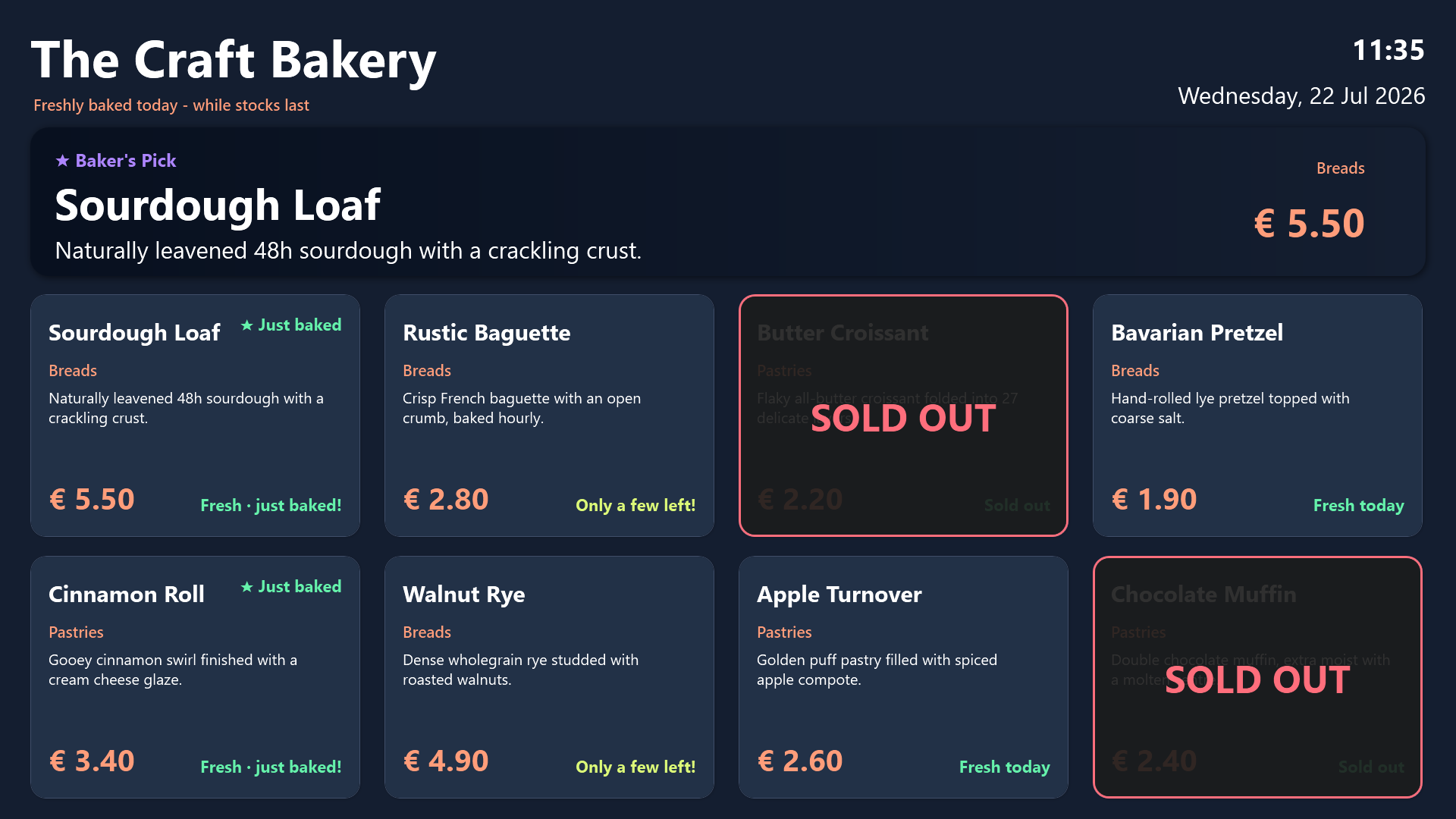
At the top, a rotating Baker’s Pick hero banner spotlights a featured product every few seconds, a simple but effective way to push the item the bakery most wants to sell today.
Two apps, one source of truth
The key idea is that neither screen is managed separately. Both apps are wired to the same ProductAvailability hub list. When production marks a batch of sourdough ready, the storefront tile for sourdough instantly shows the new stock. When the counter sells the last one, the overlay appears. The production team never thinks about signage, and the front-of-house team never chases the kitchen for status.
Both projects ship with realistic sample data, so they run immediately and standalone without any backend setup. The shared availability list is already wired in, which means connecting them to live stock is a matter of pointing both apps at a Peakboard Hub rather than rebuilding anything.
Conclusion
This bakery pair shows how far two coordinated screens can go in a small business. The production display reduces missed timers and gives the baking team a shared, tappable view of the day’s work. The storefront display drives sales with a featured-product banner, sets honest expectations with low-stock badges and sold-out overlays, and reinforces the artisan brand with professional signage. And because both run off one shared availability list, the whole system stays in sync by itself - the bakers bake, the board updates, and the customers always see the truth. Both projects are available for download in the sidebar.