
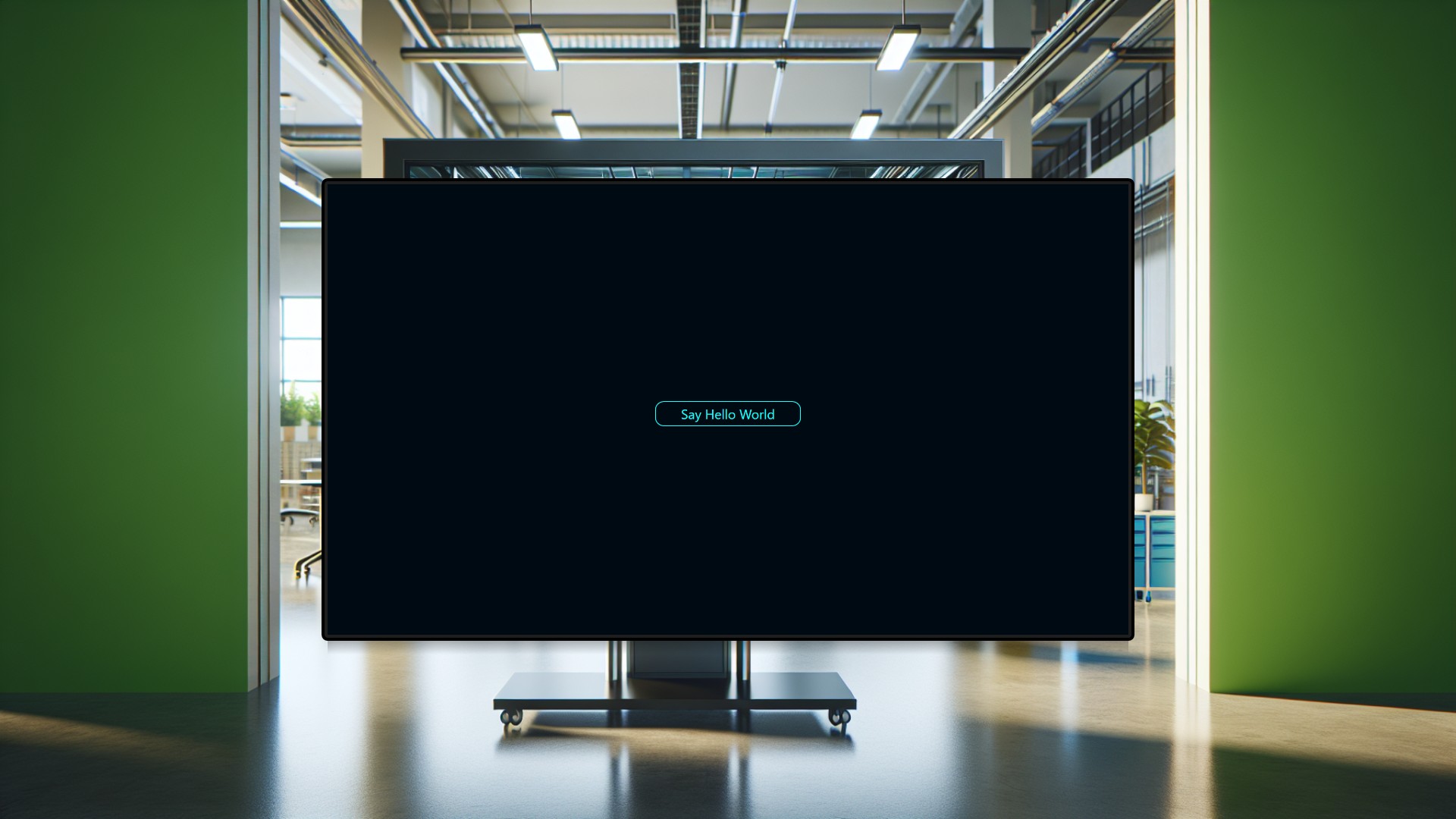
Every digital signage rollout starts with a simple question: does the hardware actually work? Before connecting production databases, designing multi-screen dashboards, or wiring up live KPIs, someone needs to confirm that the touchscreen responds, the display renders correctly, and user interactions produce visible results. This project exists for exactly that moment.
Picture a training room where new team members — production engineers, IT administrators, floor managers — are learning Peakboard for the first time. An instructor walks them through the fundamentals: place a button on the screen, tap it, and watch “Hello World!” appear in large bold letters. That single tap delivers an immediate, tangible result that demystifies the entire platform. Instead of wading through complex dashboards to understand the basics, participants grasp the core interaction model in seconds.
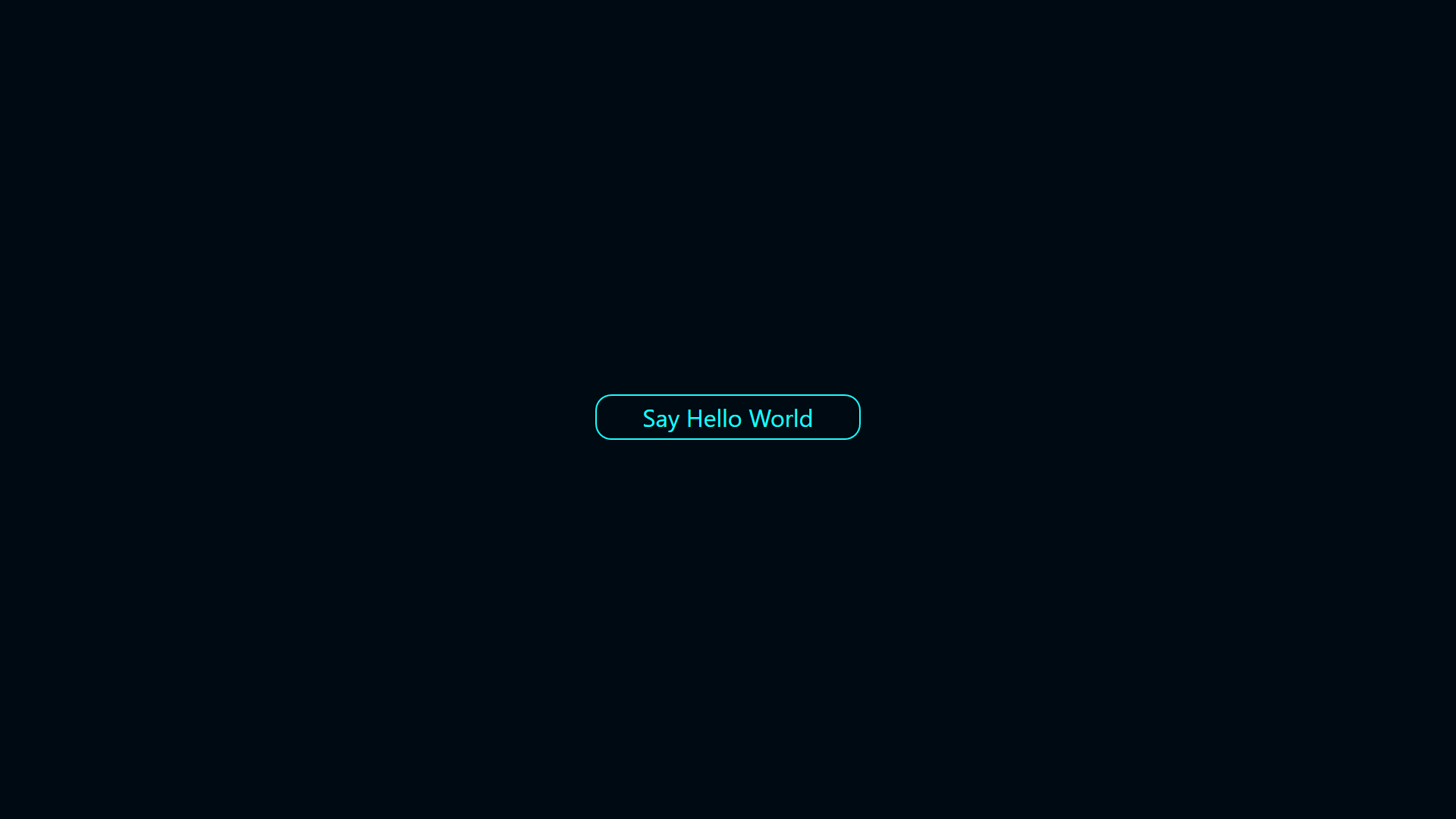
The same project doubles as a smoke test for newly deployed hardware. A technician setting up a Peakboard box at a factory kiosk, a retail store entrance, or a hospital waiting area loads this project and taps the button once. If “Hello World!” appears, input handling, script processing, and visual rendering are all confirmed working end-to-end at the expected 1920×1080 resolution. No ambiguity, no guesswork.
The screen is deliberately minimal — just a button labeled “Say Hello World” and a text area for the response. The purpose is not to display operational data but to validate the entire interaction pipeline in one clean step.
In practice, this project gets loaded once, tested with a few taps, and then replaced with a production dashboard. It is the first step on the path to more sophisticated signage — a quick proof of concept before real data sources, charts, and multi-screen navigation enter the picture.